Last verified 2026-09-13 by ReviewGamers Editorial
Buy for how Windows and your games expect to see it, then worry about how it feels.
Compatibility is the decision, comfort is the tiebreaker
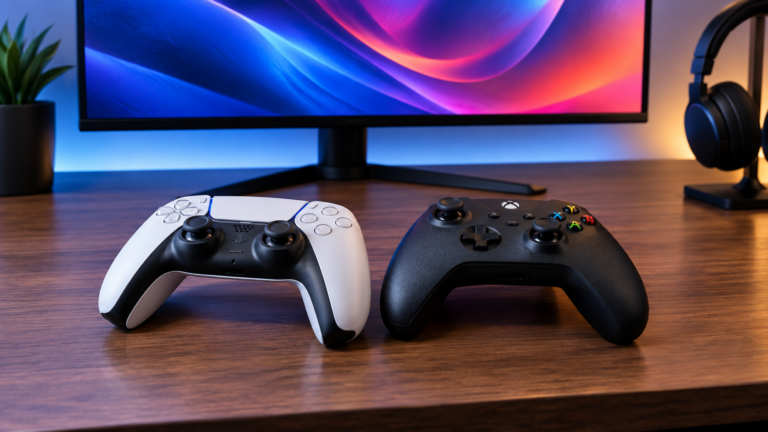
Almost every complaint about controllers on PC — wrong button prompts, triggers behaving as buttons, a controller working in one game and not the next — is a compatibility issue rather than a defect.
Windows exposes controllers through input APIs, and the XInput model built around a standard gamepad layout is what most PC games assume. A controller that presents itself that way works nearly everywhere without configuration.
What happens when a controller presents differently
Controllers using other input paths can still work, but games may not recognise them in the expected form. Symptoms include incorrect on-screen prompts, analogue triggers reported as digital, or axes mapped to the wrong functions.
Translation layers exist and are generally effective. Steam provides an input layer that can remap a controller and present it to games in a standard form, which resolves most of these cases — though it only helps for games launched through it.
Wired removes an entire class of problem
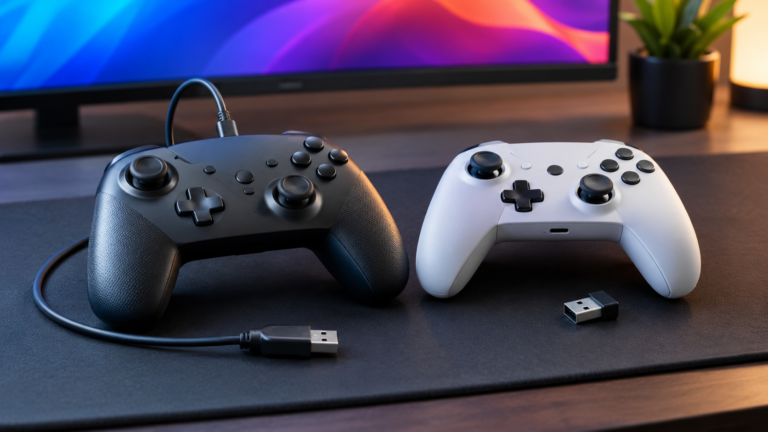
A wired connection eliminates pairing, battery state and receiver questions. For a controller that stays at a desk, it is the lower-friction choice and usually the cheaper one.
If you want wireless, prefer a controller with a dedicated receiver over generic Bluetooth for the same reasons that apply to mice — see our wired-versus-wireless latency guide.
Third-party is where both the value and the risk sit
Third-party controllers include genuinely excellent products, some with hall-effect sticks that avoid the wear mechanism behind stick drift.
They are also where compatibility surprises concentrate. Check how a specific model presents to Windows before buying, particularly if you play outside Steam. A controller advertised as PC-compatible is not the same as one that presents as a standard gamepad.
Check stick technology if longevity matters
Stick drift is a wear failure in potentiometer-based sticks. Controllers using hall-effect magnetic sensing do not share that mechanism.
If you have replaced controllers because of drift, this is the single most relevant specification, and it is increasingly available at mid-range prices.
A buying sequence
Confirm it presents as a standard gamepad. Decide wired or dedicated-receiver wireless. Check stick technology. Then choose on shape, weight and price.
Doing it in that order means the controller works everywhere before you start caring how it feels — which is the opposite of how most people buy one.
What would change this article
A maintained compatibility matrix of specific controllers against specific games, plus latency measurement across connection types.
Both are Tier A or B programmes. This page is the compatibility model and a purchasing order, drawn from the published input documentation.