Last verified 2026-09-13 by ReviewGamers Editorial
The right answer depends on how far away you sit far more than on which panel is technically better.
Distance decides this, not panel quality
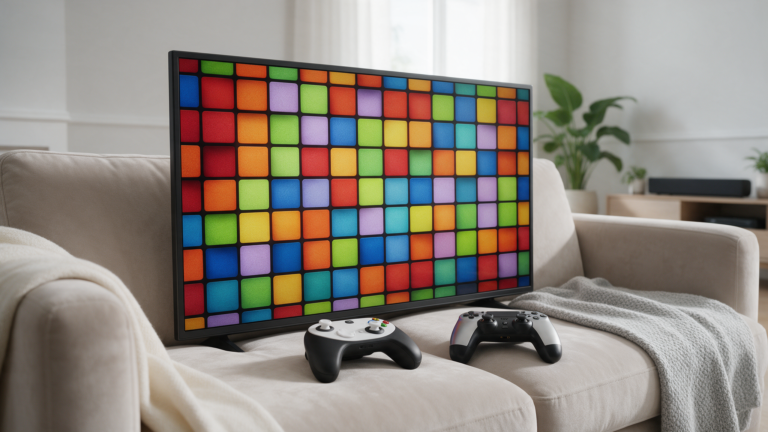
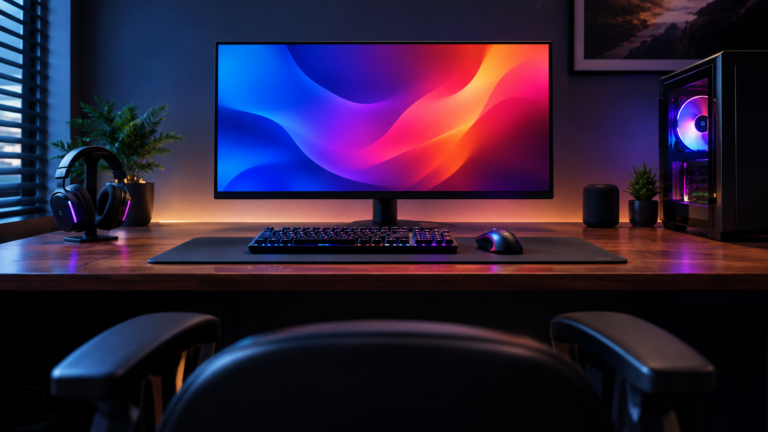
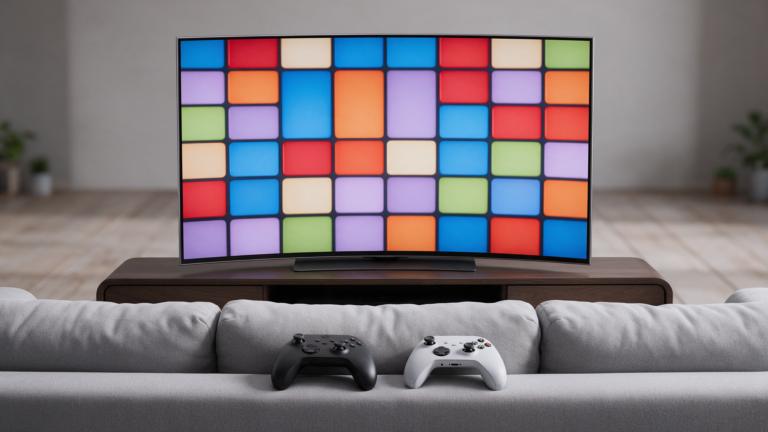
A television is designed to be viewed from across a room. A monitor is designed to be viewed from arm’s length. Both can be excellent, and each is poor at the other’s job.
Before comparing specifications, measure where you actually sit. That single number eliminates one of the options for most people.
Televisions have a latency history worth understanding
Televisions apply image processing by default — motion interpolation, sharpening, noise reduction — and that processing takes time. It is why televisions historically felt sluggish for gaming.
Game mode exists to disable most of it, and Auto Low Latency Mode in the HDMI specification lets a console request that switch automatically. The processing problem is largely solved on current sets, provided the mode is actually engaged.
Check it. A television left in its default picture preset is a meaningfully worse gaming display than the same set in game mode.
Monitors start where televisions have to be configured to
A monitor generally ships with minimal processing because there is nothing to hide at desk distance. You are less likely to be fighting a preset.
Monitors also more commonly offer higher refresh rates at lower price points, and better ergonomic adjustment — height, tilt, and standard mounting.
Size is where televisions win decisively
Price per inch is far better on televisions, and in Australia television discounting is deeper and more frequent than monitor discounting.
If you want a large panel, a television is usually the rational purchase. If you want a small high-refresh panel at desk distance, a monitor is.
Features to confirm either way
Variable refresh rate support over HDMI, and the supported range. Auto Low Latency Mode if you want mode switching handled for you. Enough HDMI ports of the right specification for the devices you own.
Port specification is a common trap on televisions: a set may advertise HDMI 2.1 features while supporting them on only some of its inputs.
The short version
Couch, controller, large screen: television, in game mode, with VRR confirmed and enabled.
Desk, close distance, high refresh rate: monitor.
Both: a television for the living room and a monitor at the desk will cost less than one display that is a compromise for both rooms.
What would change this article
Latency measurement on our own equipment across modes and presets.
We do not have that hardware. The settings behaviour described here comes from the published HDMI feature specifications and standard television behaviour, not from our own measurements.