Last verified 2026-09-13 by ReviewGamers Editorial
On a handheld, the display is the component you look at from 30 centimetres for every second of play. It is arguably more noticeable than frame rate, and it is usually discussed last.
OLED and LCD: the real difference
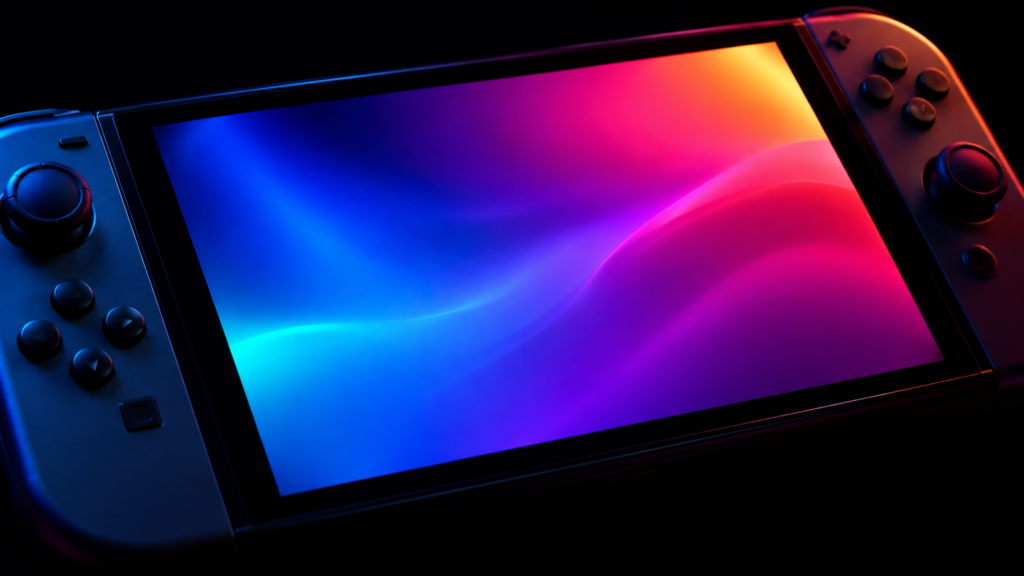
OLED emits light per pixel. A black pixel is off, so black is genuinely black and contrast is effectively unlimited. In a dark room this is dramatic rather than subtle.
LCD uses a backlight behind a filter. Black is a dimmed backlight leaking through, so blacks are dark grey and contrast is bounded. Modern LCDs are good; they are not doing the same thing.
On a small screen held close, the contrast difference is one of the most visible upgrades available — more visible, for most people, than a modest frame-rate increase.
What OLED costs you
Three honest trade-offs:
Price. It is typically the larger step in the range, and in Australia that step is often proportionally bigger.
Burn-in risk, in a narrow form. Uneven wear from static high-contrast elements held in the same position for many hours. On a handheld playing varied games this is a low-risk profile. If you use the device for hours of the same static interface daily, it is less so. We cover the mechanism in detail separately.
Brightness in daylight. Varies by panel. If you play outdoors or in bright rooms, sustained brightness matters more than contrast, and that is a spec worth checking rather than assuming.
Refresh rate on a handheld
Higher refresh means the screen can show more frames per second. The catch is specific to handhelds: you need the frames to fill it, and producing them costs battery.
A 120Hz handheld display is only delivering 120Hz if the chip is rendering 120fps, which on a portable device usually means a low-demand game and a high power draw. For most handheld play at 30 to 60fps, a very high refresh panel is capability you are carrying and not using.
Where a higher refresh ceiling genuinely helps is flexibility — 2D and indie titles can use it cheaply, and the interface feels smoother.
VRR: the underrated feature
Variable refresh rate lets the display match the frame rate the chip produces, rather than the chip fighting to match a fixed cadence.
On a handheld this matters more than on a desktop, because handheld frame rates fluctuate as power and thermal limits move around. Without VRR, an unstable 45fps feels worse than a locked 40. With VRR, the fluctuation is much less visible.
If you have to choose between a higher refresh ceiling and VRR support, VRR is usually the more useful feature on a portable device.
HDR claims, and what they are worth
VESA maintains the DisplayHDR certification programme, with a separate DisplayHDR True Black tier for emissive displays such as OLED, and defined luminance and black-level requirements at each level.
The useful shorthand: “HDR support” on a specification sheet means the display accepts an HDR signal. A certification tier means it met defined requirements. Those are very different claims, and only the second tells you anything.
On small handheld panels, HDR is generally a modest benefit compared with the contrast improvement OLED already provides.
Resolution: bigger is not better here
Higher resolution on a small screen costs a great deal of performance and battery for a difference you may struggle to see at handheld viewing distance. Many handhelds render below native and upscale precisely because that trade is usually correct.
Treat a higher native resolution as a cost to manage, not a feature to chase.
What we have not measured
We have not measured brightness, colour, response time or reflectance on any handheld panel. Those require the device and calibrated equipment, and we are not going to repeat manufacturer numbers as though they were ours.
This page explains what the technologies do and which trade-offs are real. Which specific panel is better is a measurement we have not made.