Last verified 2026-09-13 by ReviewGamers Editorial
The Pro is a mid-generation refresh, not a new console. It plays the same games and changes how some of them render.
What the Pro actually is
The PS5 Pro is a mid-generation refresh. It is not a new console generation, it does not have an exclusive software library, and it does not make an old game into a new one.
Per Sony’s documentation the Pro carries a larger GPU, upgraded ray tracing hardware, and PlayStation Spectral Super Resolution — a machine-learning upscaler Sony refers to as PSSR. Everything else about the proposition is unchanged: same library, same services, same controllers.
The question is not power, it is which mode you were choosing
Most current console games ship with a performance mode and a quality mode. Performance targets a higher frame rate at a lower or reconstructed resolution. Quality targets higher resolution and more effects at a lower frame rate.
If you have been playing in performance mode and never felt the compromise, a Pro changes very little for you. If you have been repeatedly switching modes, or choosing quality and tolerating the frame rate, then the Pro is aimed squarely at you — its pitch is reducing that trade-off, not removing it.
PSSR is the part that matters most
Upscaling is where a mid-generation refresh earns its keep. Rendering at a lower internal resolution and reconstructing to output resolution is how modern consoles hit their targets at all.
A better reconstruction step means either a cleaner image at the same frame rate, or the same image quality at a higher one. How much better depends entirely on the individual game’s implementation, which is why per-game coverage matters more than the headline specification.
What it does not change
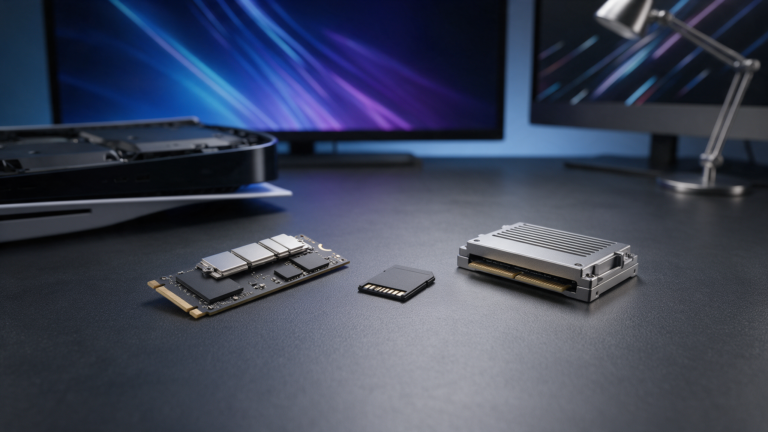
Load times. Both consoles use the same storage architecture. A Pro does not make a game load meaningfully faster.
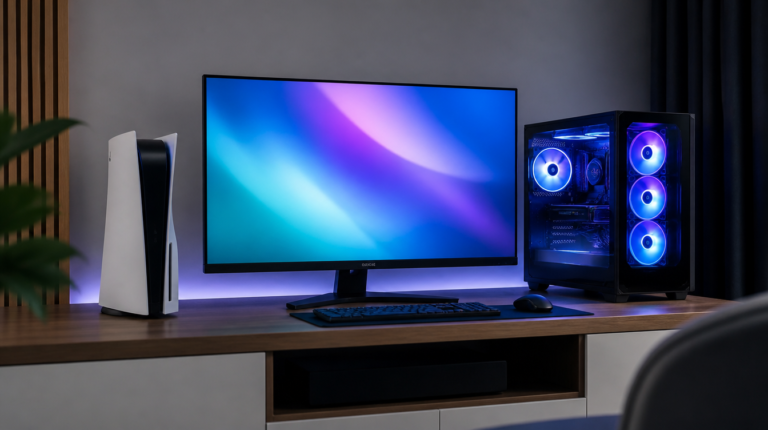
Your display ceiling. If your television is 60Hz, a higher frame rate has nowhere to go. This is the single most common way console upgrade money is wasted, and it is worth checking before anything else.
Game design. A Pro does not add content, raise a frame-rate cap the developer set, or patch a game the developer has not patched.
The disc drive is a separate cost
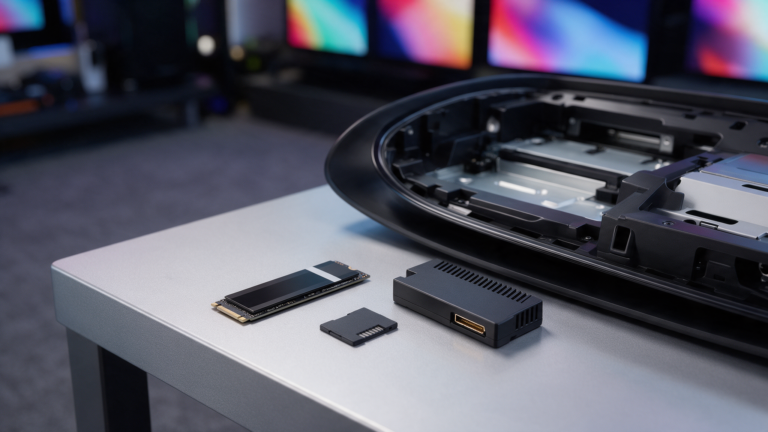
Both the Pro and the Digital Edition ship without an optical drive. If you buy physical games, trade games, or buy second-hand discs, the drive is an additional purchase on top of the console price.
That matters more in Australia than it might elsewhere, because physical copies are frequently discounted well below digital storefront pricing here.
Who should skip it
Skip the Pro if you play mostly on a 60Hz television, if you play primarily older or less demanding titles, if you are content in performance mode, or if the same money would buy a display upgrade instead.
A better display improves every game you own, including the ones you already finished. A faster console improves the subset that has been patched for it.
What would change this article
Our own measurements. Specifically: matched-scene capture on both consoles across a fixed set of titles, on the same display, with frame-time recorded rather than described.
That is Tier A or B evidence and we do not have it. Until we do, this page tells you how to think about the decision and points at the specification, not at numbers we cannot stand behind.