Last verified 2026-09-13 by ReviewGamers Editorial
Storage is the one purchase with a hard compatibility requirement. Almost everything else is preference.
Buy storage first, and buy the right standard
This is the only accessory on the list with a hard compatibility requirement, and it is the one people get wrong.
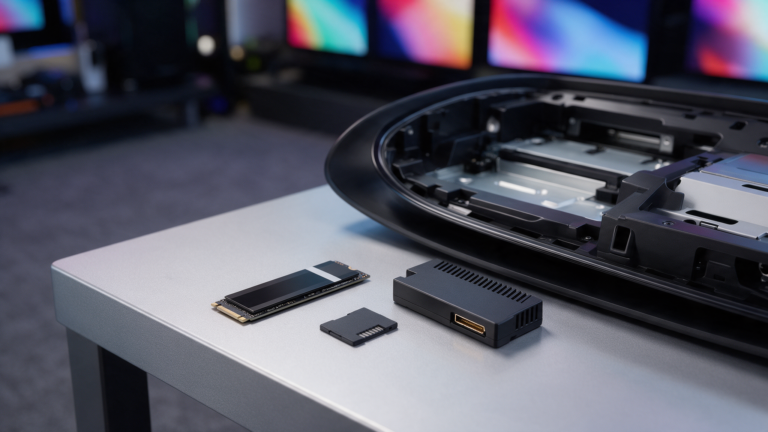
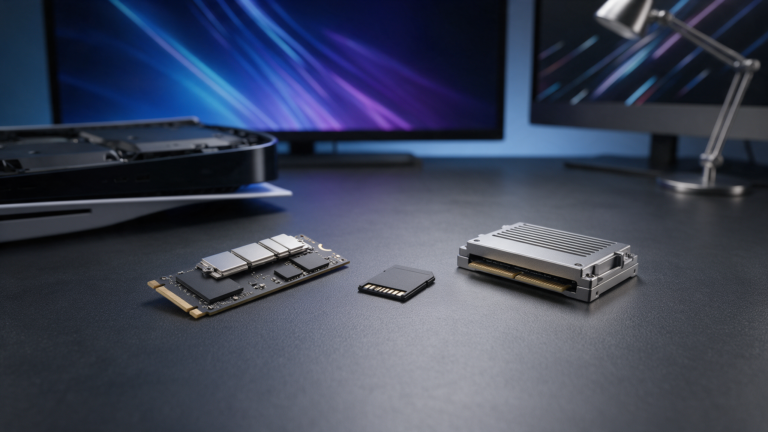
Nintendo documents the Switch 2 as using microSD Express. Per the SD Association, SD Express uses PCIe and NVMe interfaces inside the familiar microSD form factor — it is a fundamentally different interface from the UHS-I cards used by the original Switch.
A standard microSD card will physically fit. It is not a substitute, however new or expensive it is. If you owned an original Switch, your existing cards do not carry over for this purpose.
Counterfeit cards are a real marketplace problem
Storage is the most counterfeited accessory category in gaming, and the fakes are convincing. A card that reports the right capacity and fails under sustained write is the classic failure mode.
Buy storage from a retailer you could return it to. On a marketplace listing, an unusually low price on a capacity that is expensive everywhere else is the signal, not the bargain.
A case earns its money faster than anything else
If the console leaves the house at all, a case is the cheapest insurance available. The screen is the expensive part and it is the part that gets damaged.
This is genuinely low-risk spending: the requirement is that it fits and closes properly, and there is no compatibility standard to get wrong.
A second controller is a want, not a need
Buy one when you actually have a second player, not in anticipation of one. Controllers do not become scarce and they discount regularly.
If you play docked frequently, a full-size controller is a comfort upgrade worth considering before a second set of small ones.
Be careful with third-party docks and chargers
Third-party docking and charging accessories are the category where compatibility problems and, historically across handheld platforms generally, hardware damage reports concentrate.
We are not in a position to tell you which specific third-party units are safe, because we have not tested them. What we can say is that this is the category where the first-party option carries the least risk, and where saving money has the worst downside.
What to skip at launch
Screen protectors beyond a basic one, decorative shells, and bundled ‘starter kits’ that combine one useful item with several you would never buy separately.
Kits look like value because the unit price per item is low. Work out what you would actually use, price those individually, and compare.
What would change this article
Owning the hardware and the accessories, and testing sustained write performance on storage cards and power delivery behaviour on third-party docks.
That is Tier A work. This page is compatibility and purchasing sequence, grounded in the published standards — not a performance ranking we cannot support.