Last verified 2026-09-13 by ReviewGamers Editorial
A monitor is bought by diagonal and experienced by pixel density at your actual desk distance.
Diagonal is a shipping dimension, not a quality rating
Monitors are marketed by diagonal because it is a single impressive number. What you actually experience is pixel density at your seating distance.
The same resolution spread across a larger panel means fewer pixels per inch. Whether that is visible depends on how far away you sit — which is why a panel that looks superb in a showroom can disappoint on a shallow desk.
The desk is the real constraint
Measure the distance from where your eyes sit to where the panel will sit. On a typical desk that is often 60 to 80 centimetres, and that is closer than most people estimate.
At that distance a very large panel stops being immersive and starts requiring head movement to track the edges. In a fast game that is a genuine disadvantage, not a preference.
Density, not diagonal, is the specification to compare
Two panels at the same resolution and different sizes have different densities. A larger panel at the same resolution shows its pixel structure sooner.
If you are considering going larger at the same resolution, you are not upgrading the image — you are spreading the same image over more area. That can still be the right call for immersion, but it should be a conscious trade rather than an assumed improvement.
Curvature is about distance too
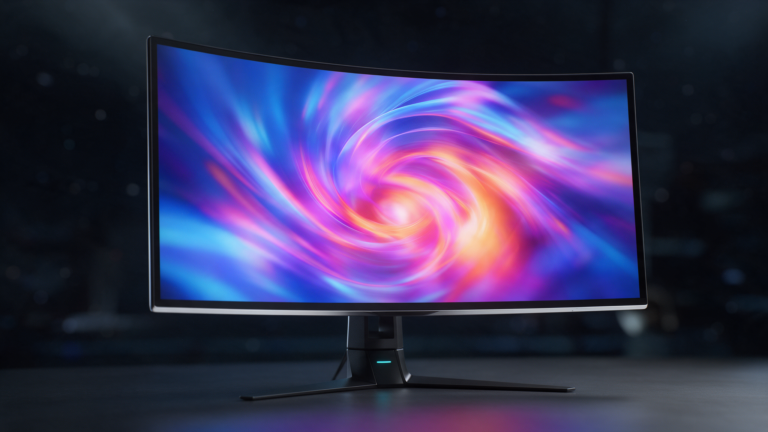
A curve is designed to keep the panel edges closer to equidistant from your eyes. It makes most sense on wide panels at close distance, which is exactly the desk scenario.
On a smaller panel, or at a longer viewing distance, the effect is subtle. It is not a quality marker and it does not belong in a comparison as though it were one.
Check the mounting standard before you buy
VESA publishes the mounting interface standards monitor arms rely on. If you intend to use an arm — and on a shallow desk an arm is often what makes a larger panel workable — confirm the panel supports a standard pattern.
Some consumer displays omit it entirely, which is discovered after delivery more often than it should be.
A practical sequence
Measure your viewing distance. Decide resolution based on what your hardware can drive. Then pick the largest size that keeps density acceptable at that distance and physically fits the desk.
Doing it in that order avoids the common outcome: a large panel that dominates the desk and renders a soft image.
What would change this article
Density measured on real panels at controlled distances, photographed rather than described.
The geometry here is arithmetic and does not need our testing. Anything about how a specific panel looks does, and we are not claiming that.