Last verified 2026-09-13 by ReviewGamers Editorial
The processor is the cheap part of a processor upgrade. The platform underneath it is the expensive part.
Establish that the CPU is actually the problem first
Most people who think they need a processor are graphics-limited. The distinction is testable without buying anything: if lowering your resolution or graphics settings substantially raises your frame rate, the graphics card was the constraint.
If the frame rate barely moves when you reduce graphics load, the processor is more likely the limit. We cover this in detail in our CPU-or-GPU guide, and it is worth doing before spending.
The socket decides whether this is cheap or expensive
A CPU upgrade within your existing socket, supported by your board’s firmware, is genuinely just a processor. That is the inexpensive case and it is worth checking carefully.
A CPU from a newer platform is not. It requires a compatible motherboard, and generational changes frequently change the memory standard too — so the real cost is processor plus board plus memory.
Check firmware support, not just physical fit
A processor can fit a socket and still not work, because support is added through board firmware updates.
Board makers publish CPU support lists per model. Check yours against the specific processor before buying, and note whether a firmware update is required — and whether your board can perform that update with the old processor installed.
Where a rebuild becomes the rational choice
Once you are buying processor, motherboard and memory, you are buying most of a machine. At that point compare the total against a modest prebuilt, which in Australia is frequently closer than expected.
It is also worth noting what carries over: case, power supply, storage and graphics card usually do. A rebuild is rarely a complete repurchase.
The upgrade that is usually better value
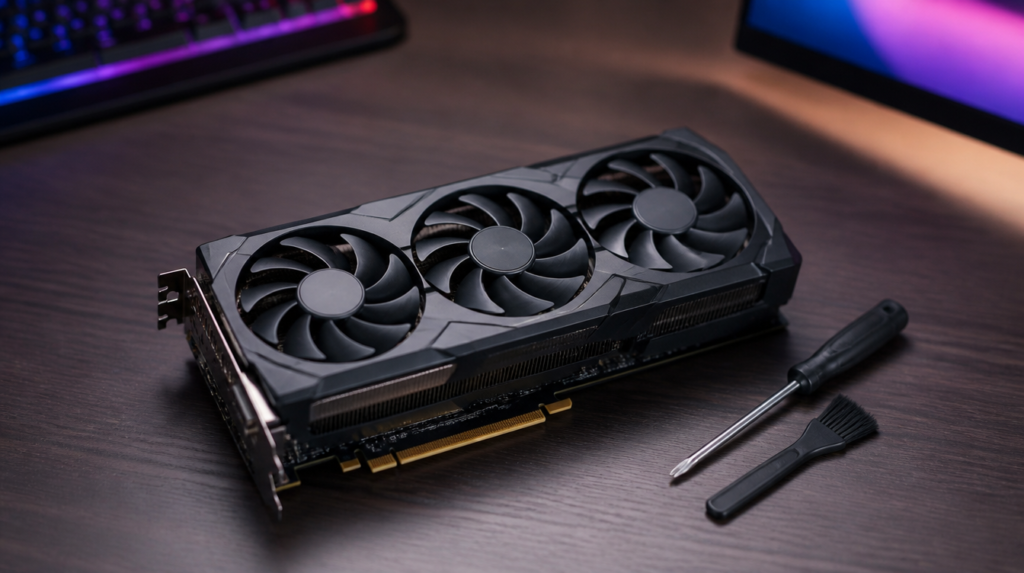
For gaming specifically, a graphics card upgrade usually delivers more frames per dollar than a processor upgrade — right up until the processor genuinely is the limit.
Memory capacity is the other frequently overlooked one, and it is far cheaper than either.
A decision sequence
Confirm what is limiting you. Check whether a supported CPU exists for your current socket. If yes, price that. If no, price processor plus board plus memory, and compare against a prebuilt and against a graphics card upgrade instead.
Most people who follow that order end up spending less than they planned.
What would change this article
Before-and-after frame-time capture on our own rig across upgrade paths.
That is Tier B evidence requiring a declared rig. The compatibility logic here does not depend on it.