Last verified 2026-09-13 by ReviewGamers Editorial
A used card can be excellent value. The risk is concentrated in things you can check before paying.
Understand what protection you are giving up
This is the part that changes the whole calculation. Australian Consumer Law guarantees apply to purchases from businesses. A private second-hand sale generally sits outside them.
Buying from a retailer selling used or refurbished stock is a materially different transaction from buying from an individual, and it is usually worth paying something for that difference.
Check whether the warranty transfers
Some manufacturers honour the remaining warranty for a subsequent owner, and some tie it to the original purchaser.
Ask for the original purchase date and check the manufacturer’s transfer policy before agreeing a price. A card with transferable warranty remaining is worth appreciably more than one without.
What actually wears on a graphics card
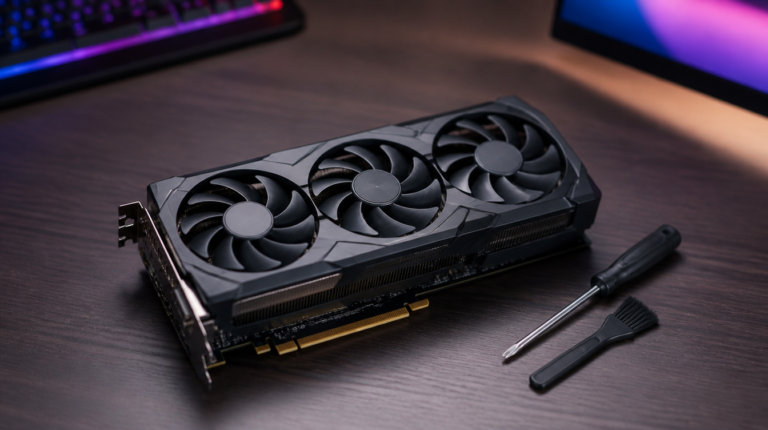
Fans. The primary moving part, and replaceable, but noisy or seized fans are a real cost.
Thermal interface material. Degrades over time and with heat cycling. Replacing it is routine maintenance for the confident and a service cost for everyone else.
The silicon itself does not meaningfully wear under normal use, which is why the mining-card question is less alarming than it sounds — a card run at a steady load in a cool environment can be in better condition than one heat-cycled hard in a cramped case.
Test it before you pay, not after
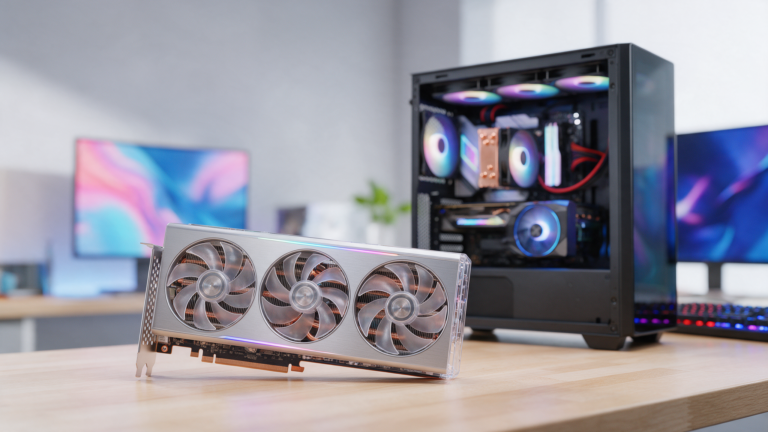
Insist on seeing the card running in a working machine. Confirm it is detected correctly, that the display output works on the ports you will use, and that the fans spin up and settle.
Run something demanding for long enough to reach a steady temperature. Most faults that matter show up in the first ten minutes under load, and a seller unwilling to allow that is telling you something.
Look for the physical warning signs
Check for bent or damaged connectors, evidence of heat damage around the power connector, sag-related stress on the bracket, and whether the cooler has been removed — missing or damaged screws, or disturbed warranty stickers where applicable.
A card that has been opened is not automatically bad. It is a reason to ask what was done and by whom.
Set your price against new, not against the original price
The relevant comparison is what the performance costs new today, not what the card cost at launch. A used card at seventy per cent of current new pricing for equivalent performance, with no warranty, is not a bargain.
Track new pricing for a couple of weeks before committing so you know what the discount actually is.
What would change this article
Longitudinal data on used-card failure rates and a maintained Australian fair-price band by model.
We do not have either yet. The checks above are drawn from how the hardware works and from the published position on consumer guarantees.