
Last verified 2026-09-27 by ReviewGamers Editorial
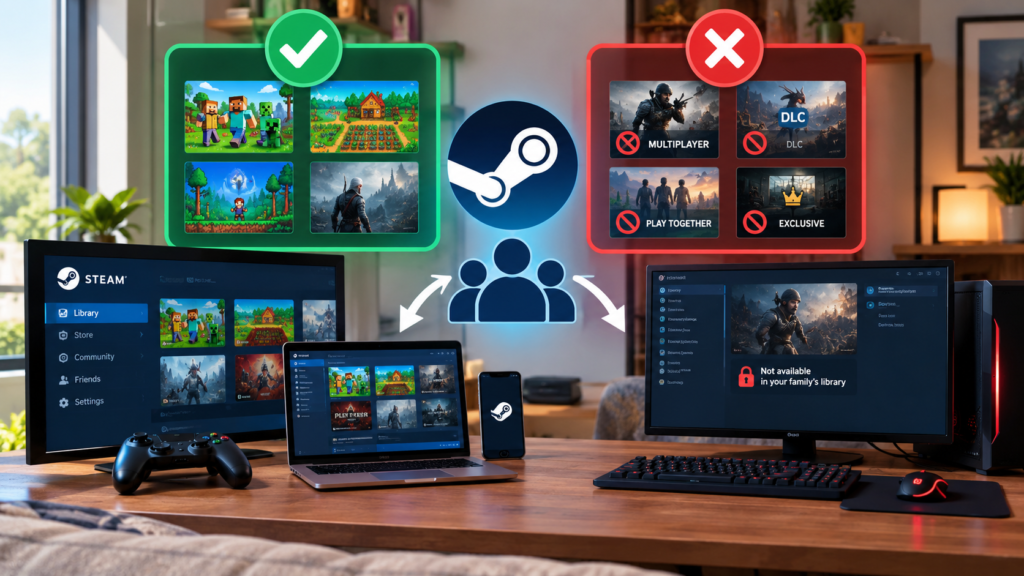
Steam Families sounds like it turns a library into shared, unlimited access for everyone in the group. Valve’s own FAQ describes something more specific: shared licenses, not shared simultaneous access.
It shares licenses, not unlimited access
Steam counts the number of copies owned, not the number of people in the family. If your family owns one copy of a game, one person can play it at a time — Family Sharing does not multiply a single purchase into simultaneous access for everyone in the group.
Up to six people per family
A Steam Family is built for a household of up to six close family members. It is not designed as a way to pool a library across a large group of unrelated friends.
Parental controls sit inside the same feature
Any adult in a family can set daily playtime limits for a child’s account, require purchase approval before a child buys anything, and control which specific games a child’s account is allowed to open. This is bundled into the same Steam Families system rather than a separate setting.
Leaving and rejoining is not instant
An account can only belong to one Steam Family at a time, and Valve’s own guidance describes a waiting period before an account that has left one family can join another. This makes Family Sharing a commitment to set up deliberately, not something to reshuffle casually between friend groups.
The takeaway
Steam Family Sharing works well for a genuine household sharing a library across up to six people, with real parental controls built in. It does not turn one purchased copy into unlimited simultaneous play, and switching which family an account belongs to is not something to do back and forth.