
Last verified 2026-09-27 by ReviewGamers Editorial
A more expensive microSD card is not automatically a faster one inside a Steam Deck. The card slot itself sets a ceiling that no amount of extra spending gets past.
The slot is UHS-I, not UHS-II
Valve’s own hardware specification for the Steam Deck describes a UHS-I microSD interface. A UHS-II card will still work in the slot, but it cannot exceed UHS-I transfer speeds inside the Deck, since the hardware interface itself is the limiting factor, not the card.
Capacity supported up to 2TB
The slot supports microSDXC and microSDHC cards up to 2TB. A card above that capacity is not something the Deck’s slot is specified to support, regardless of how well it performs elsewhere.
Speed class and application class still affect real-world feel
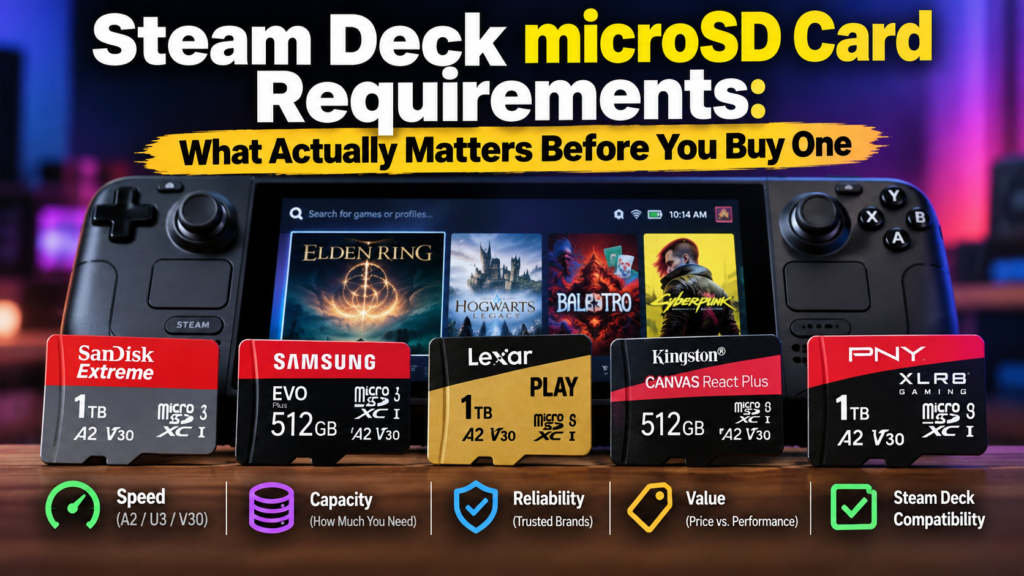
Within the UHS-I ceiling, a card’s rated speed class and application performance class still change how quickly games actually load and how smoothly they run directly from the card. A card rated U3 for sustained write speed and A2 for random access performance is the kind of specification that tends to produce steadier load times for installed games, compared to a basic card with no application performance rating.
Buying a UHS-II card gets you nothing extra here
Since the Deck’s slot caps out at UHS-I regardless of the card inserted, paying more for a UHS-II-rated card specifically for Steam Deck use does not unlock any additional speed. That premium only pays off in a different device with a UHS-II-capable slot.
The takeaway
Buy within the Deck’s actual interface: UHS-I, up to 2TB, and prioritise a card rated for sustained write and random-access performance rather than chasing a UHS-II card the slot cannot take advantage of.