
Last verified 2026-09-25 by ReviewGamers Editorial
Not every USB-C hub that physically connects to a Steam Deck actually powers and drives it properly — one specific spec separates a dock that works from one that leaves you with a dead battery mid-session.
It’s all one cable, doing three jobs
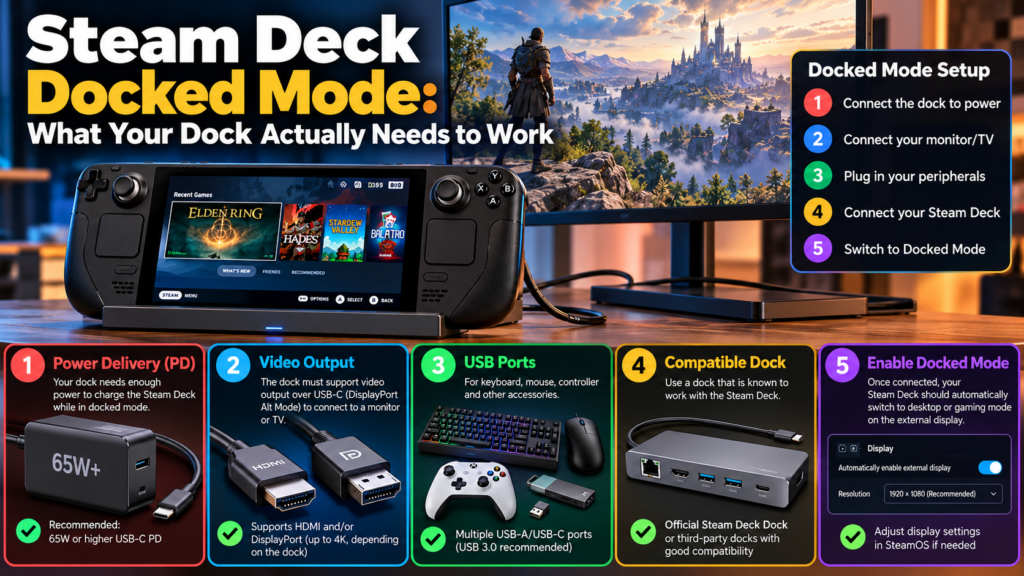
Steam Deck’s docking connection is entirely external and carries video, power and data all through a single USB-C connection. That simplicity is also why a cheap or incompatible hub can cause problems — if any one of those three functions (video, power, data) isn’t handled properly by the hub, the whole setup can misbehave rather than just one feature failing gracefully.
The spec that actually matters: power delivery
The requirement most people miss: a dock or hub needs to either be self-powered or support USB-C Power Delivery of at least 45W to properly power the Deck while docked. A hub that handles video fine but doesn’t meet this power delivery threshold can leave your Deck slowly draining its battery even while “docked,” which defeats the point of docking for extended play.
What Valve’s official dock includes
Valve’s own official dock includes both HDMI and DisplayPort outputs, multi-monitor support, and FreeSync (VRR) support, and comes bundled with its own 45W USB-C power adapter — meaning it’s built specifically to clear the power delivery bar rather than relying on a separate adapter you’d need to source yourself.
What happens to the Deck’s own screen
When you dock your Steam Deck, the connected external display automatically becomes your default screen, and the Deck’s own built-in screen goes black — this is expected behaviour, not a fault, and is worth knowing so you don’t think something’s broken the first time it happens.
Third-party docks: what usually works, what might not
Most standard USB-C compliant hubs and docks work without issue as long as they meet the power delivery requirement above. Thunderbolt and DisplayLink-based docks may work, but aren’t officially supported, meaning your results there are less predictable than with a straightforward USB-C Power Delivery hub.
The practical takeaway
Before buying a dock or hub for Steam Deck, check specifically for USB-C Power Delivery of 45W or higher (or genuine self-powering) rather than just checking that it has the video ports you need — a dock that connects but doesn’t meet the power spec will still work in the short term while quietly draining your battery the whole time.