
Last verified 2026-09-27 by ReviewGamers Editorial
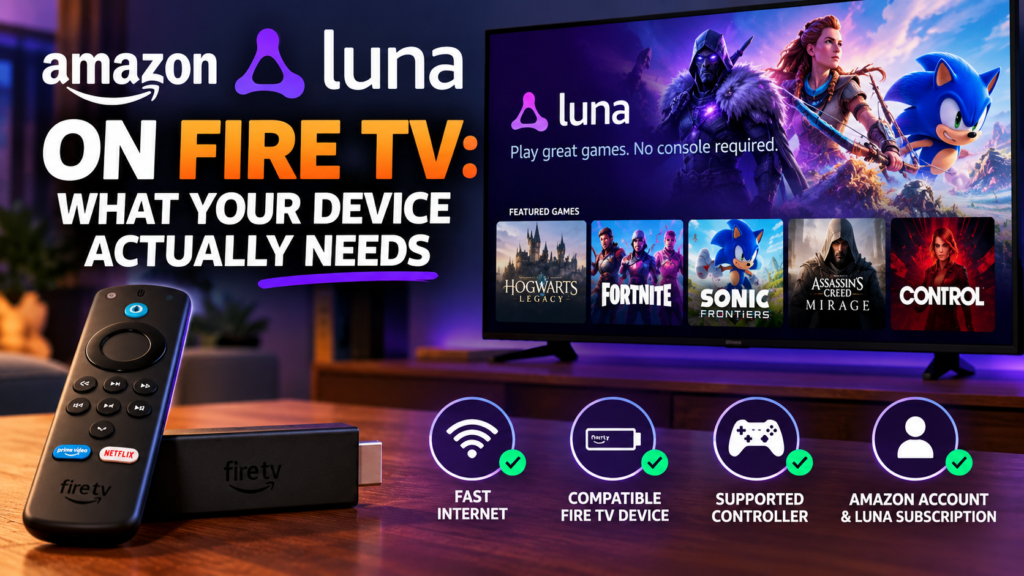
Not every Fire TV Stick sitting in a drawer is new enough to run Amazon Luna. Amazon’s own device-check page sets a specific software floor, not just a general “newer Fire TV” recommendation.
The device needs FireOS 5 or higher
Amazon’s own requirement is a compatible device running FireOS 5 or later. An older Fire TV device stuck on an earlier FireOS version will not support Luna, regardless of how well it otherwise streams other apps.
Which specific Fire TV devices are listed as compatible
Amazon’s own list names Fire TV Stick Lite, Fire TV Stick second and third generation, Fire TV third generation from 2017, Fire TV Stick 4K, Fire TV Stick 4K Max, Fire TV Cube, and newer Fire TV models as compatible. A device outside that list, or an early first-generation Fire TV Stick, is not included.
Internet speed has a stated floor
Amazon’s minimum stated internet speed for streaming Luna is 10 Mbps. Below that, Amazon does not represent the service as reliably usable, and Amazon separately recommends an Ethernet connection or 5GHz Wi-Fi over the more congestion-prone 2.4GHz band for a better result.
A subscription is required regardless of device
Meeting the device and connection requirements does not make Luna free to use. Amazon’s own page states that either a Prime membership or a separate Luna subscription is required to actually use the service.
The takeaway
Before trying Luna on a Fire TV device, confirm it is FireOS 5 or newer and appears on Amazon’s own compatible device list, check your connection clears the 10 Mbps floor, and confirm you have Prime or a Luna subscription — all four are separate requirements, and any one missing blocks the service.