
Last verified 2026-09-25 by ReviewGamers Editorial
Steam Deck OLED’s name undersells how much actually changed — and the one thing that didn’t change is worth knowing upfront before you decide anything else.
What did NOT change: raw performance
Both the LCD and OLED Steam Deck models run the same Zen 2 CPU and RDNA 2 GPU at 1.6GHz. Games do not run any faster on OLED — if you’re hoping the OLED model fixes a specific performance problem you’re having with a demanding game, it won’t, since the underlying hardware generating frames is identical.
What actually changed: the display
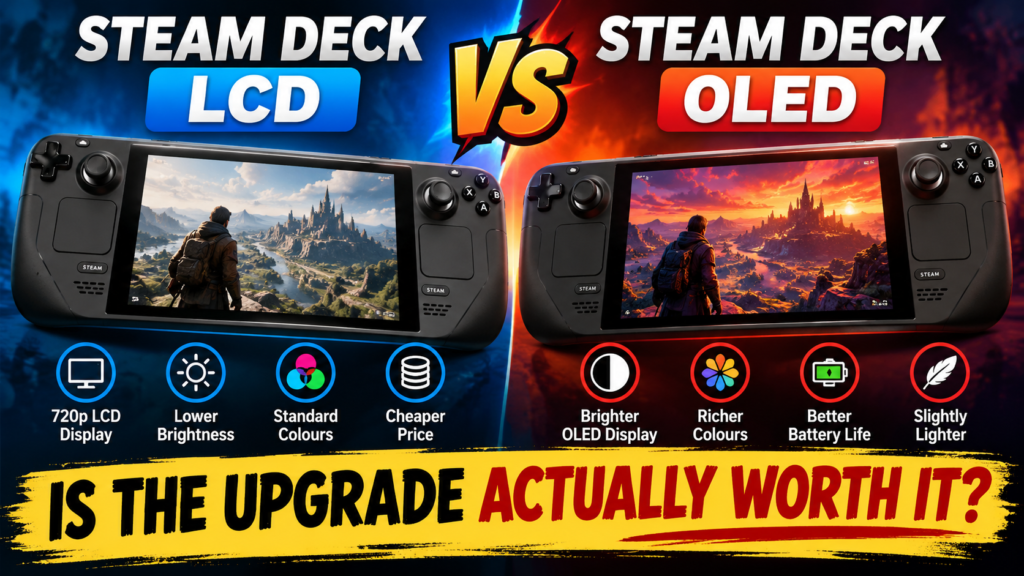
The OLED panel delivers deeper blacks and richer colour than the LCD model, plus a 90Hz refresh rate that’s genuinely noticeable in fast-paced games compared to the LCD model’s lower rate — this is the single biggest experiential difference between the two, and it’s a real one, not a marketing exaggeration.
Battery life actually improved too
Despite adding a higher refresh rate, the OLED screen uses less power than the LCD panel, and combined with other hardware tweaks, the OLED model delivers better real-world battery life — an unusual case of a display upgrade improving efficiency rather than costing it.
The smaller refinements that add up
Beyond the headline display and battery changes, OLED added a handful of smaller but genuinely useful refinements: it’s about 30 grams lighter, has improved grip texture on the thumbsticks, retuned haptic feedback, a quieter and improved cooling system, Wi-Fi 6E support, and Bluetooth 5.3 with an extra antenna — none of these alone would justify an upgrade, but together they add up to a more refined device.
Who should actually upgrade
If you already own an LCD Deck and mostly play docked to a TV or in short handheld sessions where screen quality and refresh rate matter less, the OLED upgrade is a genuine luxury rather than a necessity — you’re not fixing a real limitation, just improving an already-functional experience. If you’re buying a Steam Deck for the first time in 2026, OLED’s combined polish makes it the sensible default rather than a premium upsell.
The practical takeaway
Don’t upgrade from LCD to OLED expecting better game performance — that part is unchanged. Upgrade if display quality, refresh rate, weight and battery life genuinely matter to how you use your Deck; a refurbished LCD model remains a legitimately good budget option if none of those specifically bother you.