
Last verified 2026-09-22 by ReviewGamers Editorial
Feral Interactive released Lara Croft and the Temple of Osiris on iOS and Android on 8 September 2026, with the first level free and a single US$9.99 purchase to unlock the rest. Before you download 3.5 GB, this guide sets out which iPhones and iPads the App Store listing supports, which controllers it names, and how the pricing works. Everything below is from the App Store listing and Feral’s announcement.
Quick answer: will it run?
The listing sets three hard lines:
- iOS or iPadOS 18.0 or later
- iPhone XS or later (any model from XS onward, including iPhone SE third-generation)
- iPad 10th generation (2022) or later
If your iPhone is an X or older, or your device cannot update to iOS 18, it is out. For iPad, the App Store listing supports:
- iPad (10th generation 2022 and later)
- iPad Air (4th generation and later)
- iPad Pro (3rd generation 2018 and later)
- iPad mini (6th generation and later)
Processor requirement
Beyond the device model, the App Store listing specifies an A12 Bionic chip or later. This is built into the device models already listed above, but matters if considering an older model or imported device. iPhone XS, XS Max and XR all contain the A12; any newer model will exceed this requirement.
Storage
The download is 3.5 GB. The App Store listing recommends approximately 7 GB of free space on your device to avoid installation issues, which means double the download size. Because the first level is free, you commit that storage before you commit any money, so clear the space first rather than after the purchase prompt appears.
Installation may temporarily use additional system space during decompression; the 7 GB recommendation factors this in. If your device reports less available space, the installation may stall or fail part-way through.
Controllers and input
The App Store listing names three controller families: PlayStation, Xbox and MFi. It also lists touchscreen controls, gamepad support and, on iPad, mouse and keyboard. Pairing is the standard iOS process through Settings > Bluetooth; there is no game-specific step recorded in the listing.
Touchscreen and input customisation
The listing describes touchscreen controls as customisable, meaning the game ships with configuration options rather than a fixed layout. The listing does not document the specific layout or customisation menu structure, so the free first level is where to compare touch and controller on your own device before paying.
iPad-specific input
On iPad, the game supports mouse and keyboard input in addition to controllers and touchscreen. This allows players to use an external keyboard as a partial control method and a trackpad or connected mouse for cursor-driven interaction if the game implements such controls. Keyboard and mouse input customisation follows the same customisable touchscreen approach.
Co-op and multiplayer
Feral’s announcement describes play solo or with up to three friends online, and the App Store listing states up to four-player online co-op. Nothing in either source mentions local co-op on a single device (both players using controllers on the same iPad, for example), so do not count on it.
Progress tracking and achievements
The App Store listing confirms Game Center integration with achievements supported. This means your progress and achievement data can sync across devices if you use the same Apple ID and have Game Center enabled in Settings. The specific achievement list and unlock conditions are not detailed in the official sources.
How the pricing works
Feral describes the free first level as a first for the studio. The App Store lists the game as a free download with a single in-app purchase called Activation at US$9.99. Feral’s own announcement gives the same US$9.99, alongside EUR 8.99 and GBP 7.49. Once activated, there are no further purchases listed. Australian pricing was not captured; the AU App Store will show it directly and it should not be inferred from the US figure.
What “free first level” means
The free portion includes the first complete level of the game. This is not a time-limited trial or a heavily restricted demo; it is a full playable level that allows players to evaluate gameplay, input methods, graphics rendering on their device, and audio output before making the purchase decision. Solo play is supported in the free level; whether co-op is enabled in the free section is not specified in the App Store listing.
Gameplay and setting
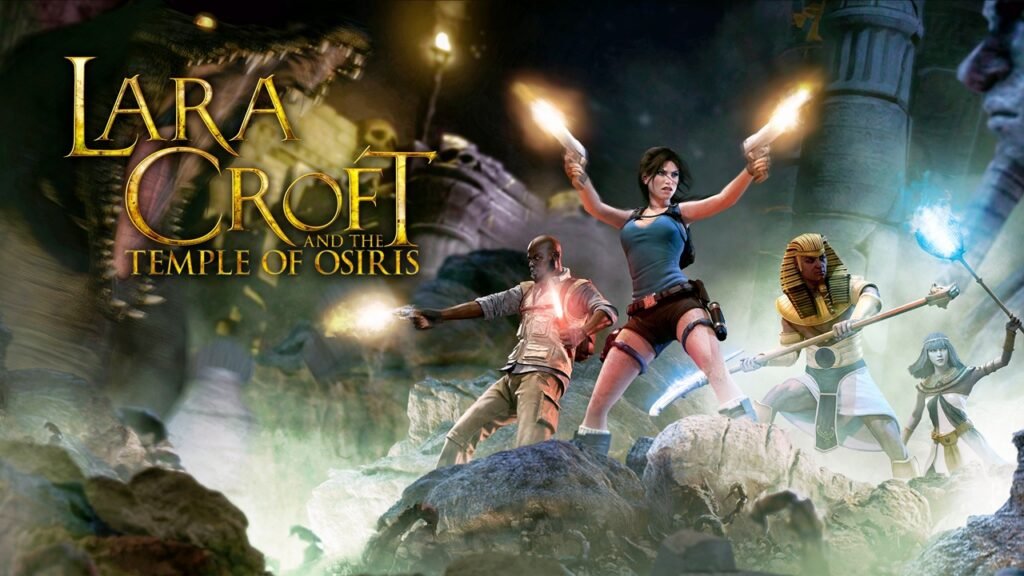
According to Feral’s official announcement, Temple of Osiris combines platforming, puzzle-solving and isometric twin-stick shooting. The narrative tasks players with reuniting Fragments of Osiris to prevent Set, the God of Evil, from enslaving humanity. Combat involves fighting undead enemies within Egyptian tomb environments. These mechanics define what input methods need to support: movement, aiming (in twin-stick style) and interaction.
Rating and content descriptors
The App Store listing rates the game 13+. The content descriptors include cartoon and fantasy violence, guns and weapons, occasional profanity and horror themes. This rating applies across iOS 18 and later devices, regardless of device age or region.
The listing shows version 1.2.2 dated 3 September with minor bug fixes, which is earlier than the 8 September release date Feral announced; the most likely explanation is a pre-release build, but that is what the listing shows rather than something Feral has explained.
Verifying compatibility on your device
Before committing storage or money, use the App Store’s compatibility check. Visit the game listing on your target device and look for the download button or any compatibility warnings. If the App Store offers the download button without warnings, your device meets the requirements. If it displays a message such as “Not Compatible” or “Requires iOS 18.0 or later”, your device cannot run the game.
For users with multiple devices in an Apple family, the free tier is available on all compatible devices under the same Apple ID once downloaded to one device.
Step by step
- Confirm your device is an iPhone XS or later, or an iPad 10th generation or later, running iOS 18.
- Verify compatibility via the App Store listing on your target device.
- Free up at least 3.5 GB, ideally closer to 7 GB if installation has failed before on your device.
- Download the game from the App Store at no cost and play the first level.
- Test your preferred input method (touchscreen or controller) during the free level.
- If you are using a controller, pair it under Settings > Bluetooth before launching; standard MFi, PlayStation and Xbox controllers are named in the listing.
- When prompted after the free level, the Activation purchase unlocks the rest of the game for US$9.99 in the US store; check the AU price at that point before confirming.
Testing the free level
The free level is designed as a full evaluation. Use it to confirm controller responsiveness, graphics rendering, audio output and whether the input layout suits your play style. Pay attention to frame rate consistency, loading times and any crashes or stuttering. These observations on the free level directly inform whether the full game will suit your device and preferences.
Android
Feral released the Android version on the same day as iOS. The Google Play Store listing requires Android 13 or later and at least 3.6 GB of free storage space (7 GB recommended to avoid installation issues). The pricing model matches iOS: free download with a $9.99 in-app purchase to unlock the full game.
For another premium App Store release this month with a free opening, see Dave the Diver on iPhone, iPad and Mac; for what is coming to Apple’s subscription instead, see the October Apple Arcade line-up. Browse the iOS hub for more.