
Last verified 2026-09-27 by ReviewGamers Editorial
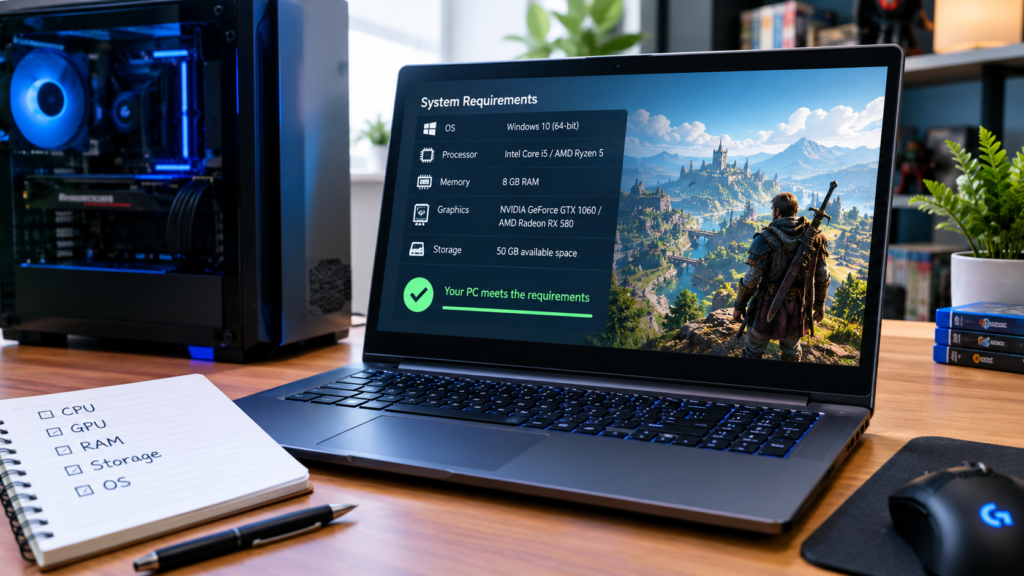
A system requirements list on a store page looks like a simple pass/fail check. It is closer to a range, and reading it as a single yes/no answer is how people end up disappointed after a purchase that technically “met the minimum.”
Minimum specs are a floor, not a comfortable experience
“Minimum” describes the lowest hardware configuration a developer tested and found playable, not a guarantee of stable performance at reasonable settings. Meeting the minimum spec usually means the game will run, often at reduced resolution, lowered settings and a frame rate the developer considered acceptable rather than good.
Recommended specs are still a target, not a promise
“Recommended” raises that bar to hardware the developer tested toward a smoother target, typically higher settings or a steadier frame rate. It is still the developer’s own testing target, not an independently verified number, and actual results vary by which other software is running, driver version and the specific settings you choose in-game.
Where to find the real numbers for a specific game
Every game’s own store page lists its actual system requirements — there is no universal number that applies across titles, and a generic “gaming PC” spec sheet from a retailer is not a substitute for the requirements listed on the specific game you’re about to buy.
Compare component by component, not just by a single label
CPU, GPU, RAM and storage type can each become the actual bottleneck independently. A PC with a strong GPU but a weak CPU can still underperform in a CPU-heavy game, so checking each line of the requirements list against your own hardware matters more than matching an overall “meets minimum” label.
The takeaway
Treat a store page’s minimum and recommended specs as the developer’s own tested range, not a certified guarantee. Check each requirement line against your actual hardware, and expect minimum specs to mean playable rather than smooth.