
Last verified 2026-09-27 by ReviewGamers Editorial
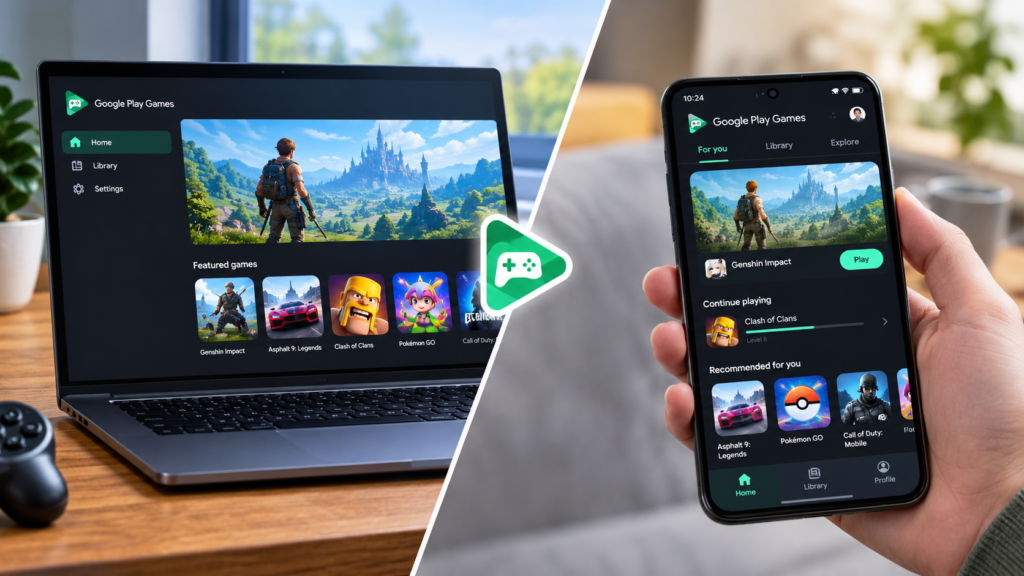
Google Play Games on PC looks like the same storefront as the phone app, just on a bigger screen. Google’s own developer documentation says the underlying product is not the same thing.
It is a separate standalone application, not a window into your phone
Android Developers’ own overview describes Google Play Games on PC as its own Windows application, with its own launcher and its own local installs — it is not streaming or mirroring your phone, and it is not the same APK running inside an emulator layer you configure yourself.
Not every Android game you can play on mobile shows up on PC
Only games Google has specifically brought into the PC catalogue appear there. A title that runs fine on your Android phone is not guaranteed to be listed for PC at all — availability is set by Google and by each developer opting into the PC catalogue, not by whether the game happens to be technically compatible.
Controls are adapted, not just remapped by you
For titles that are available, Google’s documentation describes specific keyboard-and-mouse control adjustments built for the PC version, rather than leaving you to configure touch-to-click mapping yourself the way a generic Android emulator would.
Progress and Play Points still sync through your account
Signing in with the same Google Account links progress and Play Points earning across PC and mobile for supported games, so switching between a phone and a PC session does not mean starting over, provided the specific game supports that linked progress.
Check your PC can actually run it first
Google publishes a dedicated compatibility check for whether a given Windows PC meets the requirements for Google Play Games on PC — that check, not just having Windows installed, is the way to confirm before setting anything up.
The takeaway
Google Play Games on PC is a distinct, Google-built Windows application with its own catalogue and its own control scheme, not a mirror of the mobile app. Confirm a specific game is actually listed for PC and that your machine passes Google’s own compatibility check before assuming a mobile favourite will show up.