
Last verified 2026-09-27 by ReviewGamers Editorial
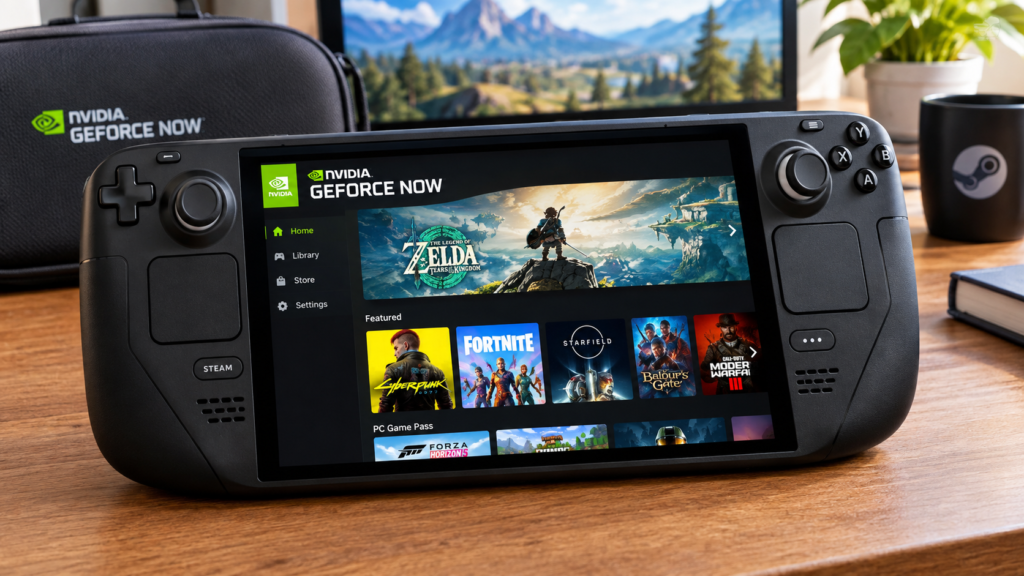
Streaming GeForce NOW on a Steam Deck used to mean running it through a browser. Nvidia’s native SteamOS app changes what that setup actually looks like.
It is a purpose-built SteamOS app, not the browser version repackaged
Nvidia built and released a dedicated GeForce NOW application specifically for SteamOS, rather than leaving Steam Deck owners to rely only on a web browser workaround. That distinction matters for stability and control layout, since a native app is built around the Deck’s own input and display rather than a generic browser tab.
Output quality on the Deck’s own screen
Nvidia’s own announcement describes streaming up to 4K at 60fps with HDR10 support directly through the native app, using the Deck’s screen or output, on top of whatever local resolution and refresh rate that specific Steam Deck model actually supports.
Battery life benefit is a byproduct of where the rendering happens
Because GeForce NOW renders on Nvidia’s servers rather than the Deck’s own chip, a demanding game streamed through the app draws meaningfully less local power than the same game running natively on the Deck’s hardware — that is the practical source of any extended battery life claim, not a special power-saving mode in the app itself.
Installing it is not a simple Steam store download
Getting the native app running requires switching the Deck into Desktop Mode first, rather than installing it directly through the standard Steam storefront the way a normal Steam game would install.
What this changes for game choice
Games available through GeForce NOW’s cloud library are a separate catalogue from what is installed locally on the Deck. A title unavailable or poorly optimised for the Deck’s own hardware can still be playable through GeForce NOW if it is part of Nvidia’s supported cloud library.
The takeaway
The native GeForce NOW app gives Steam Deck owners a purpose-built, higher-output streaming option instead of a browser workaround, at the cost of a Desktop Mode setup step and a separate game catalogue from the Deck’s local library.
Related reading
Related: Steam Deck Battery Storage Mode: What Valve Actually Recommends.