
Last verified 2026-09-27 by ReviewGamers Editorial
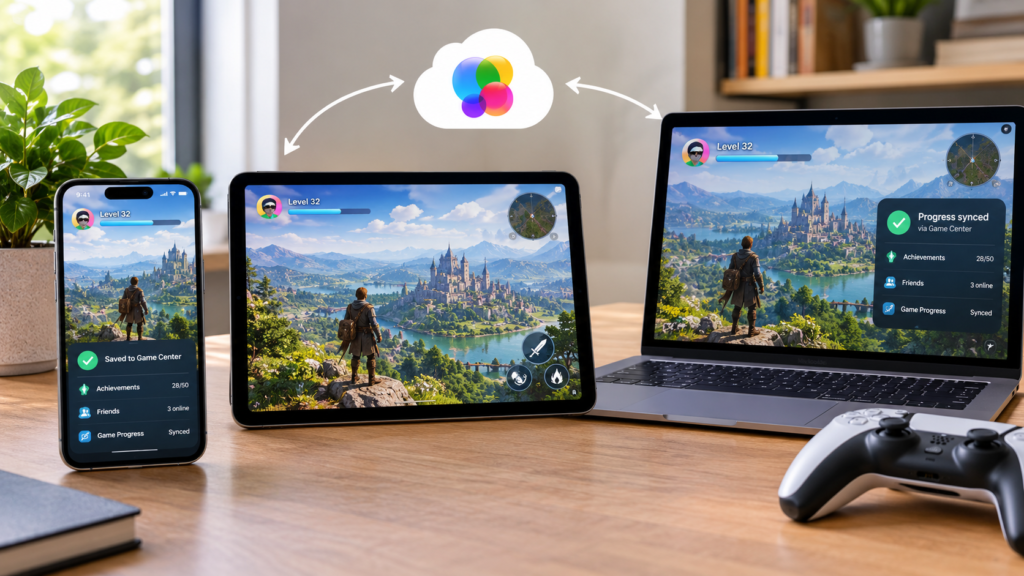
Opening a game on a new iPhone or iPad and finding your progress gone usually is not a lost save. Apple’s own support page lists three specific conditions, and missing any one of them is enough to break the sync.
Every device needs a current OS version
Apple’s requirement covers each device type separately: a current version of iOS on iPhone, iPadOS on iPad, macOS on Mac, tvOS on Apple TV, or visionOS on Apple Vision Pro. An older OS version on either device is enough to break sync, even if everything else is set correctly.
The same Apple Account, signed into iCloud, on both devices
Progress will not appear on a second device unless you are signed in to iCloud with the exact same Apple Account used on the first one. A second Apple Account, even one you also own, is treated as a different identity for this purpose.
Signed in to Game Center as well as iCloud
Being signed in to iCloud is not enough by itself — Apple’s own guidance separately requires being signed in to Game Center with that same account. It is possible to be logged into iCloud but not into Game Center, and progress will not sync in that state.
This only applies to games that actually support it
Apple’s guidance is explicit that this covers supported games specifically. A game with no Game Center integration at all has nothing to sync regardless of how correctly the three conditions above are set up.
The takeaway
If progress is missing on a new device, check OS version, iCloud sign-in, and Game Center sign-in, in that order, on both devices, before assuming a save is actually lost. All three have to match for Apple’s sync to work at all.