
Last verified 2026-09-27 by ReviewGamers Editorial
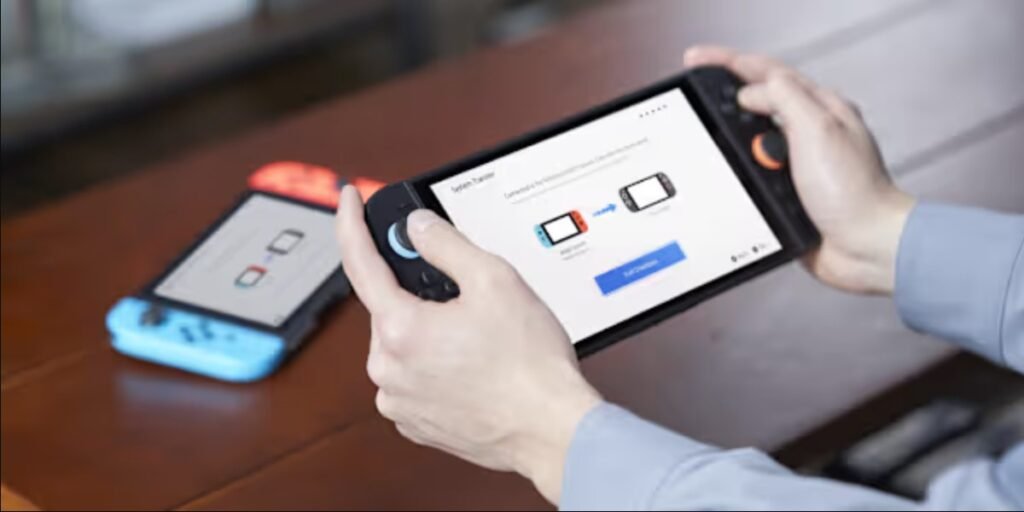
A system transfer sounds like it should move everything from an old console to a new one in one step. Nintendo’s own support pages list a fairly specific set of what actually makes the trip, and what does not.
What transfers automatically
Nintendo’s own guidance lists users, user settings, signed-in Nintendo Accounts, friends lists, play activity and information about players you’ve played with, screenshots and videos saved to system memory, registered network devices, Parental Controls settings, and Mii data as all transferring as part of the process.
Digital games redownload, they do not copy directly
Digital software is not copied file-for-file during the transfer. Instead, it downloads fresh onto the new console after the system transfer and initial setup are complete, which means you will need an internet connection and some time after the transfer to get every digital title playable again.
What does not transfer
Two specific things are named as not transferring: Bluetooth audio device pairings and settings, and game update data, which has to be downloaded again on the new console rather than carrying over automatically.
Some games cannot transfer their save at all
Nintendo specifically names Animal Crossing: New Horizons as an example of a game that cannot transfer through this process, because its save file is shared across users rather than tied to one individual account — the system transfer process is not built to move that kind of shared save.
Save data specifics depend on Save Data Cloud Backup
For a local-communication system transfer, save data covered by Save Data Cloud Backup for an account linked to a Nintendo Account is copied to the new console while remaining on the old one. Save data for unlinked accounts, or for games not covered by Save Data Cloud Backup, is deleted from the old console once the transfer completes.
The takeaway
A system transfer moves accounts, settings and activity history cleanly, but digital games redownload rather than copy, and specific save-file types can be left behind entirely. Check Nintendo’s own transfer page for your exact console pairing before assuming everything will simply carry over.
Related reading
Related: Nintendo Switch 2 Backward Compatibility: Which Original Switch Accessories Actually Work.