
Last verified 2026-09-27 by ReviewGamers Editorial
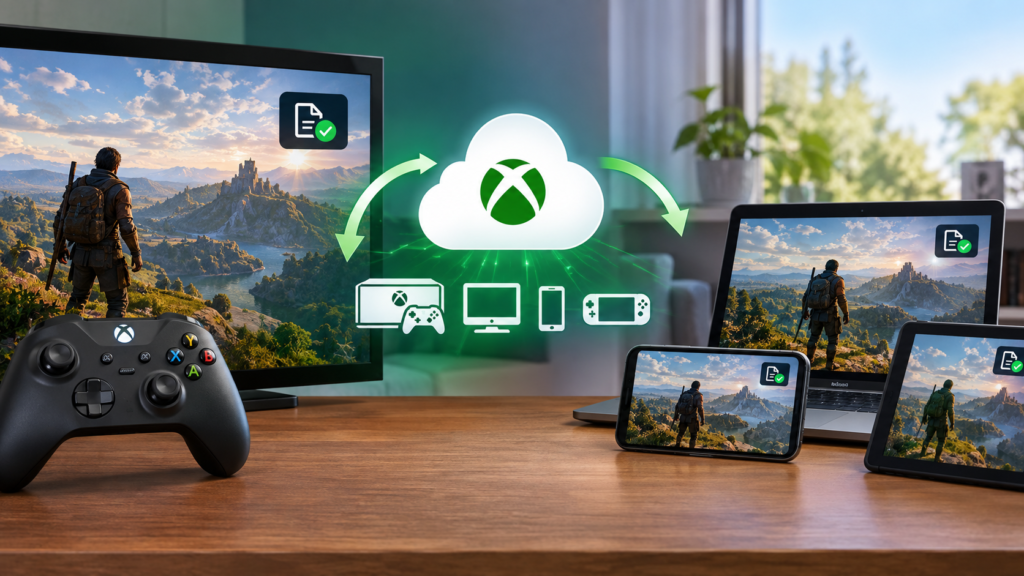
Cloud saves on Xbox are described as automatic, which makes it easy to assume they upload constantly in the background. Xbox’s own support pages describe something more specific: a sync that happens at particular moments, not a continuous stream.
Sync happens when you exit a game, and again when you reconnect
Xbox’s own guidance describes the console syncing local and cloud saves when you exit a game. If you were offline at that point, the console compares timestamps the next time it connects to the internet and uploads the local file if it is newer than what is already in the cloud.
There is no fixed storage cap stated by Microsoft
For Xbox Series X|S and Xbox One, Microsoft does not publish a fixed cloud save storage limit — the space used grows with the size of your game library rather than hitting a stated ceiling.
How to force a sync manually
If a save is not appearing on another console, Xbox’s own troubleshooting steps are to highlight the game, open the menu, select Manage game & add-ons, then Saved data, and choose Sync Now if that option is available. Simply launching the game again while connected to the internet also triggers the same check.
What this does not guarantee
Automatic sync depends on the console actually being online at the right moment — closing a game while offline and then turning the console off before reconnecting means that save has not yet been uploaded, regardless of how the feature is normally described.
The takeaway
Xbox cloud saves sync at specific trigger points, not continuously, and depend on the console being online at that moment. If a save seems missing on another console, check Manage game & add-ons > Saved data and force a manual sync rather than assuming the save is lost.